Plinth
 Photogrammetry
Ceramic Vessel
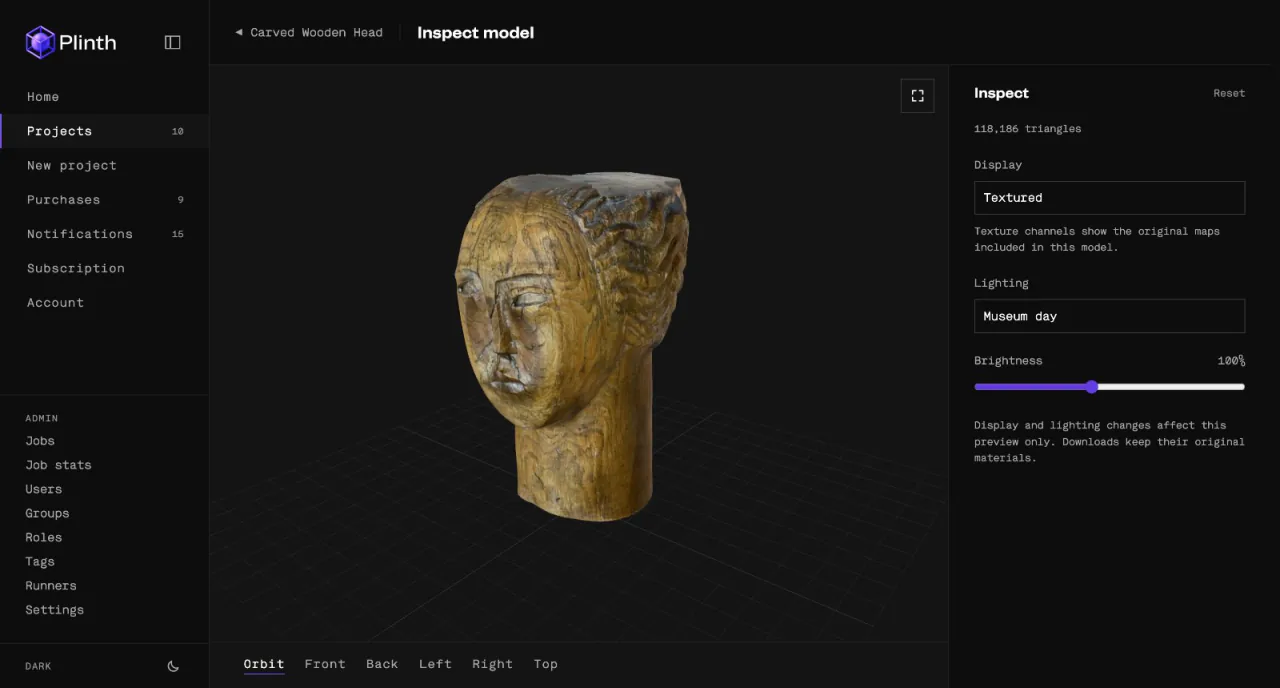
Captured on iPhone, reconstructed as a textured mesh with iOS AR support. Museum-day lighting.
iPhone app for artists, galleries and museums
Plinth creates accurate 3D digital versions of your original artwork, allowing viewers to experience it in a whole new way
Our Clients and Partners










What is Plinth
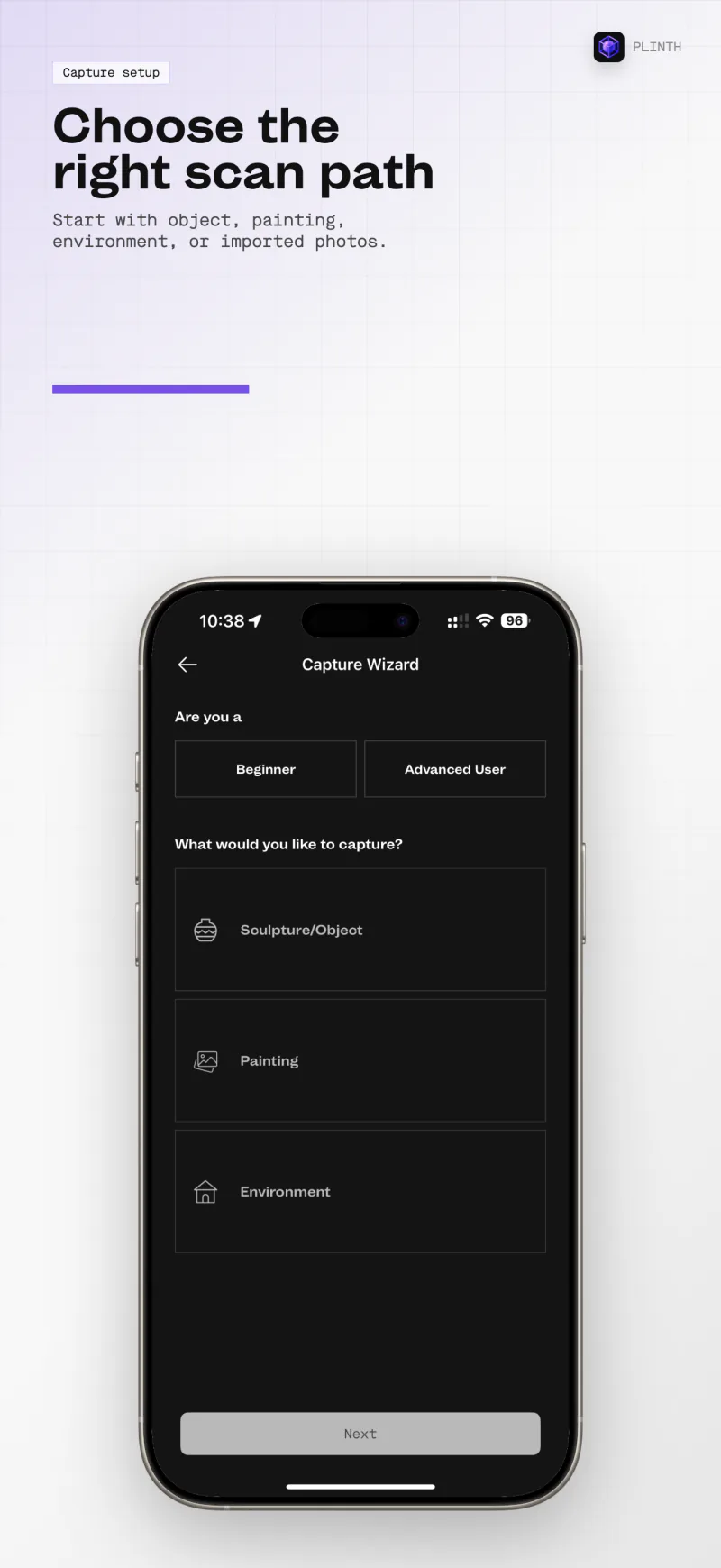
Plinth turns photographs of a sculpture, painting or object into a complete 3D model that holds up at any distance, from a room-wide view to a close look at the brushwork.
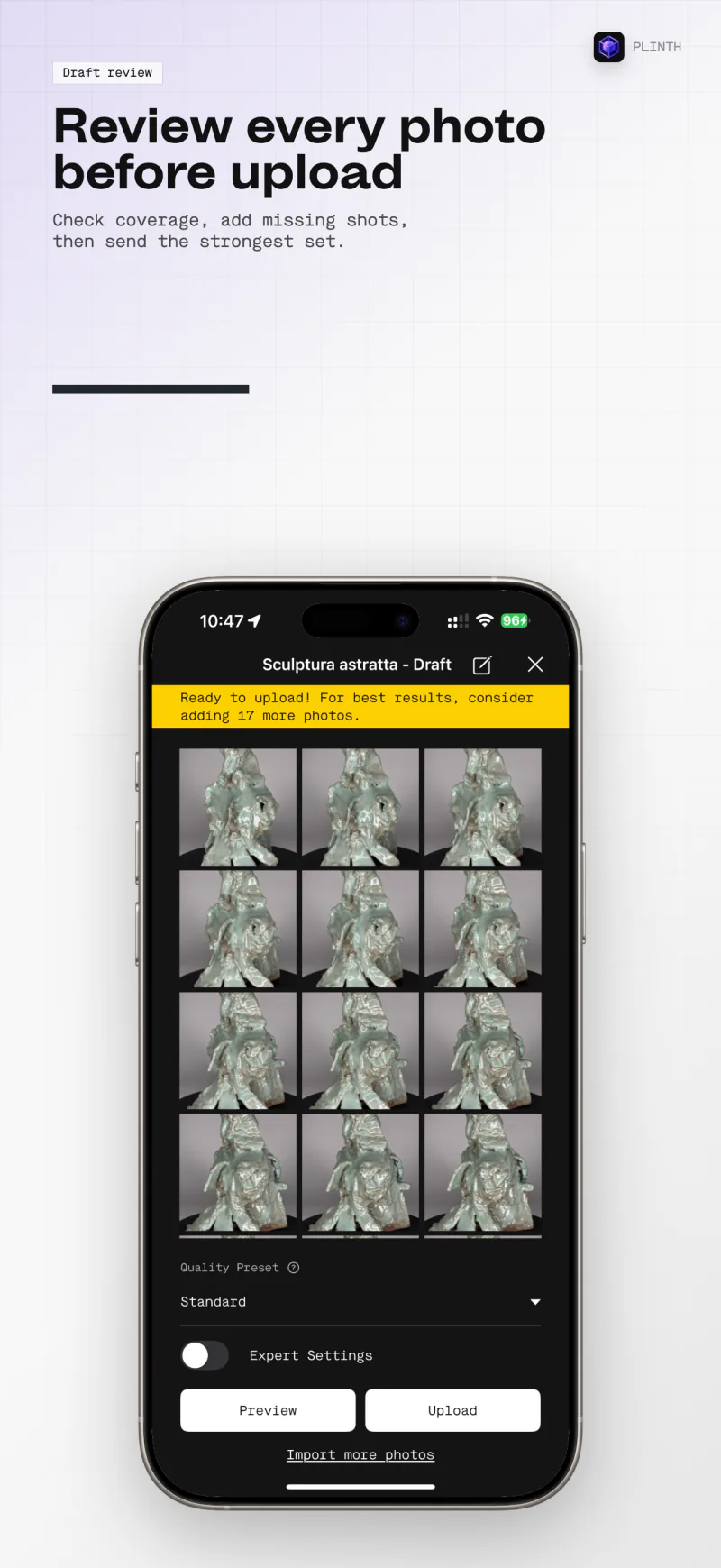
Photograph the work with the capture coach guiding you, upload or process on the device, and review the finished model. Most captures are ready in about 15 minutes.
Product
Plinth for iPhone
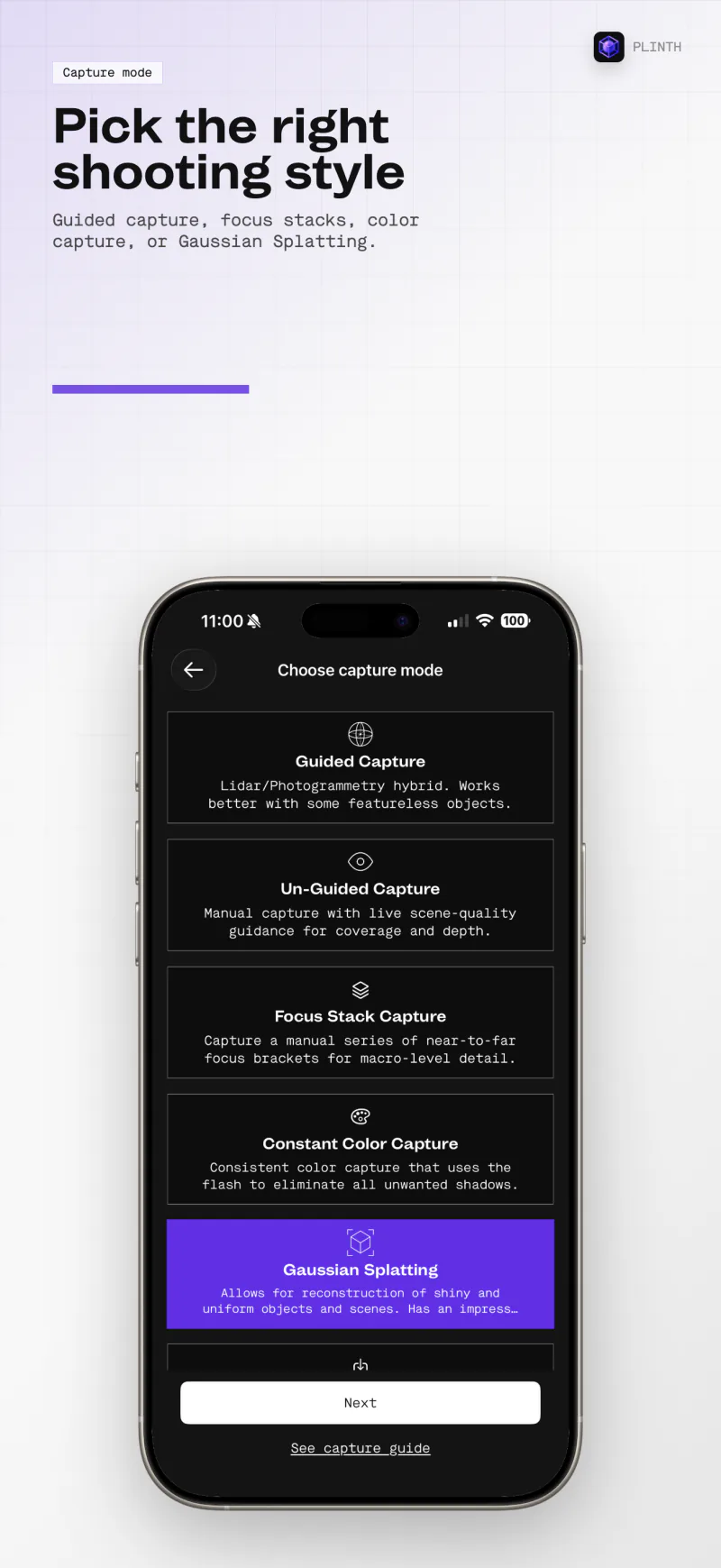
Train Gaussian splats directly on the device. No upload, no wait. Or submit to the cloud for full-resolution results. Professional plans.
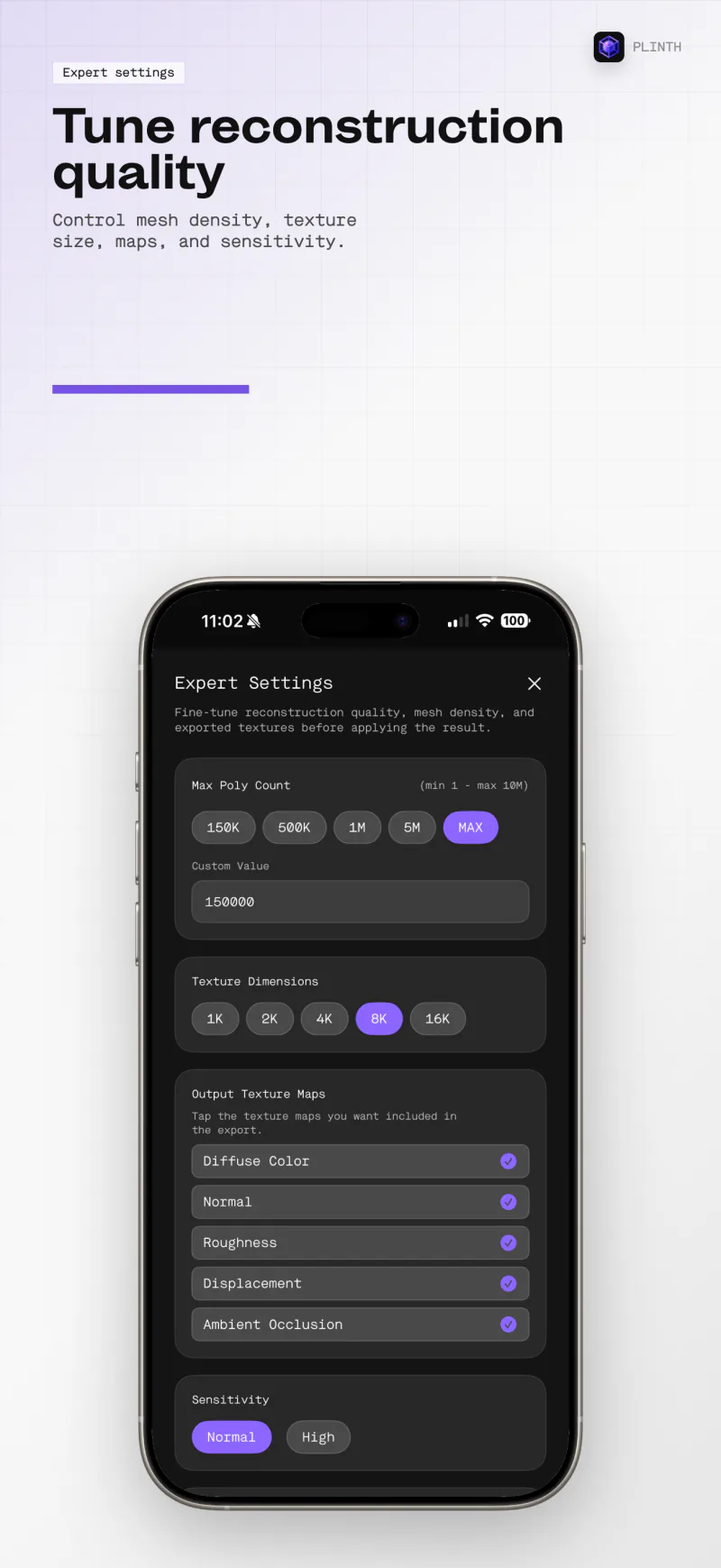
Full sensor of iPhone Pro in HEIC or JPEG-XL, with focus stacking and constant-color flash capture. ProRAW on Professional plans.
Live guidance on blur, lighting, distance, movement and lens cleanliness, tuned to each capture mode.
Sculpture, Painting, Environment and Import. Bring existing photo sets, ZIPs or a single video with a Professional plan.
A virtual back is rebuilt for paintings and reliefs, so flat artworks come out as closed, museum-ready models.
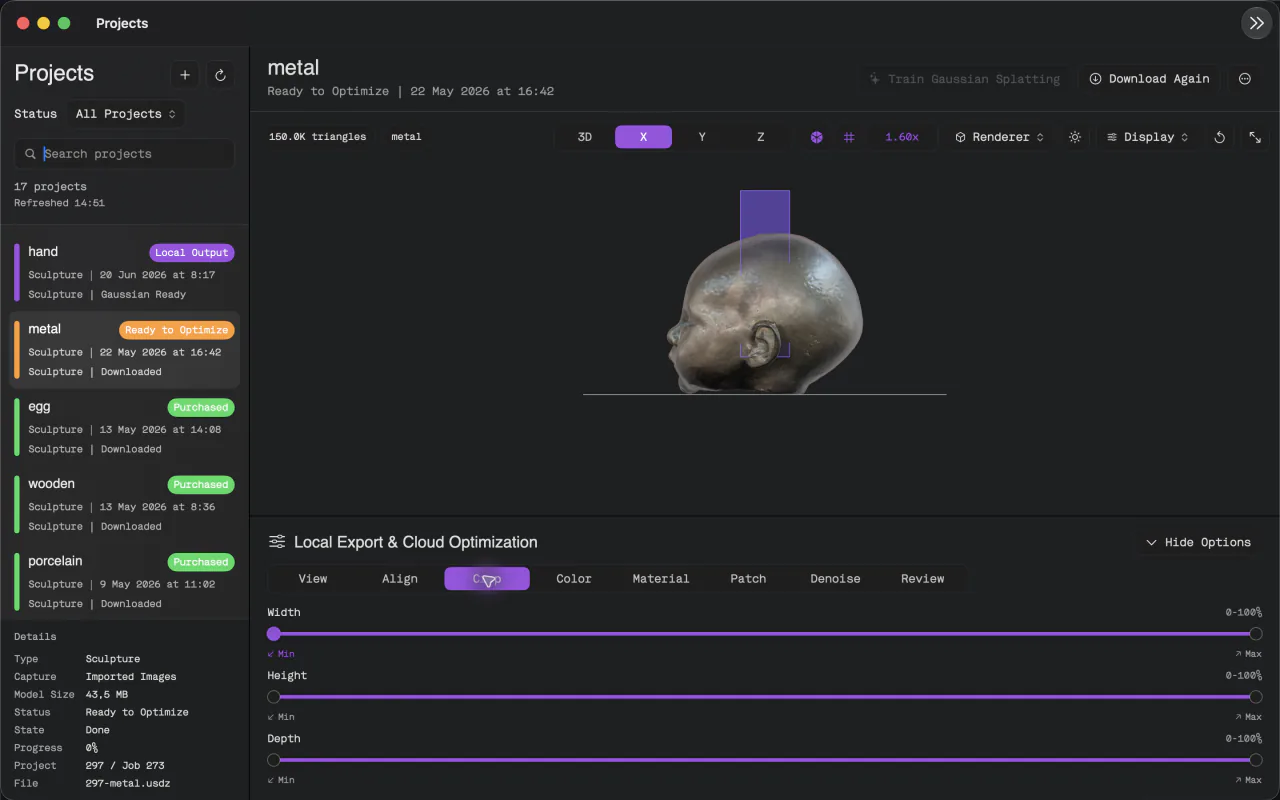
Align, crop, color-correct, apply material presets, de-light shadows and repair textures with patch and clone tools.
Capture and queue projects without a connection. Uploads resume automatically when you are back online.
USDZ, GLB and Gaussian splat export with AVIF-compressed textures. Available in ten languages.
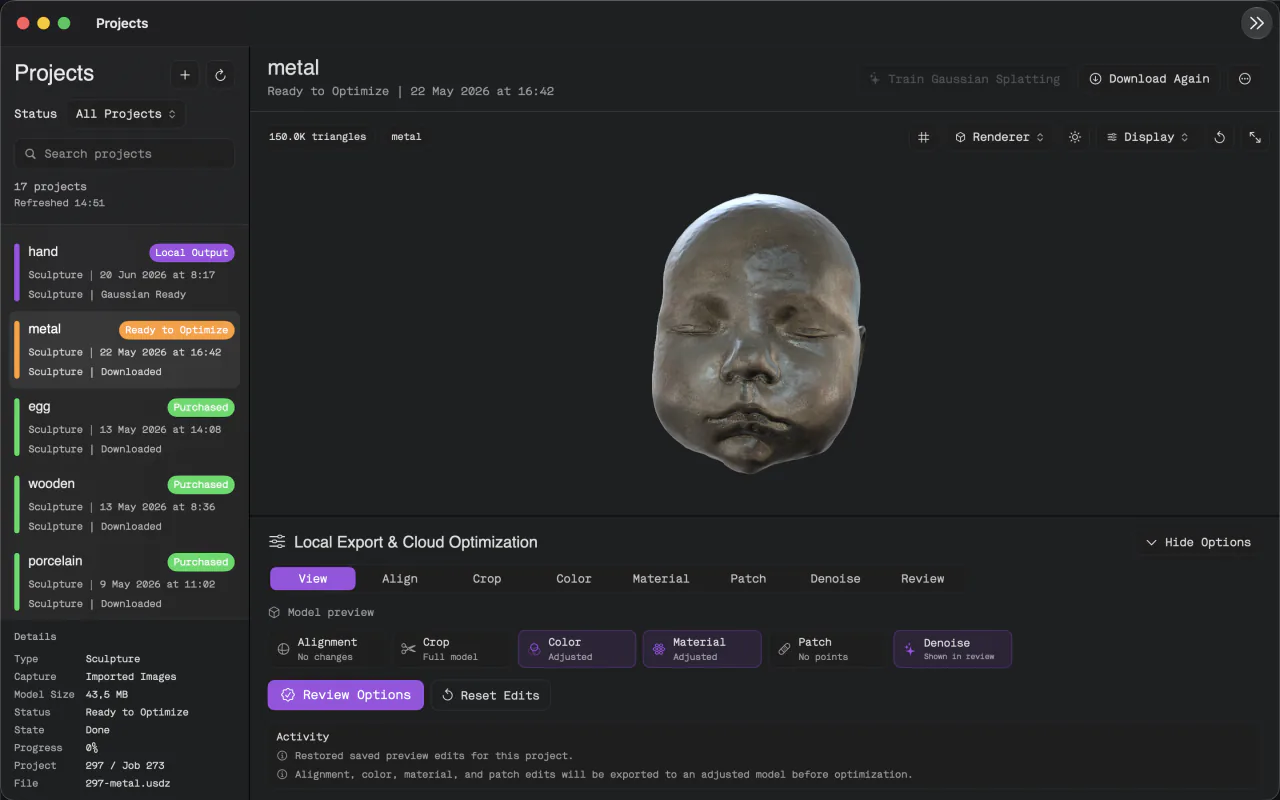
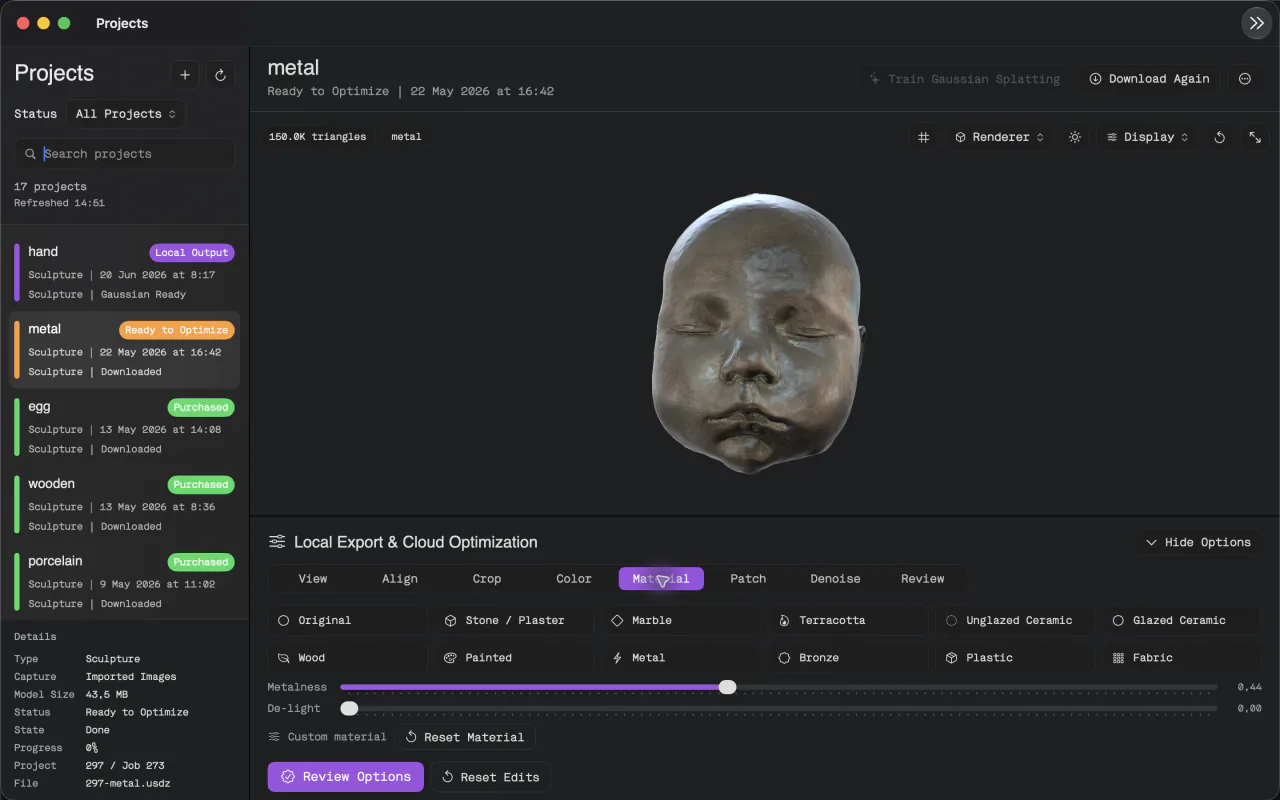
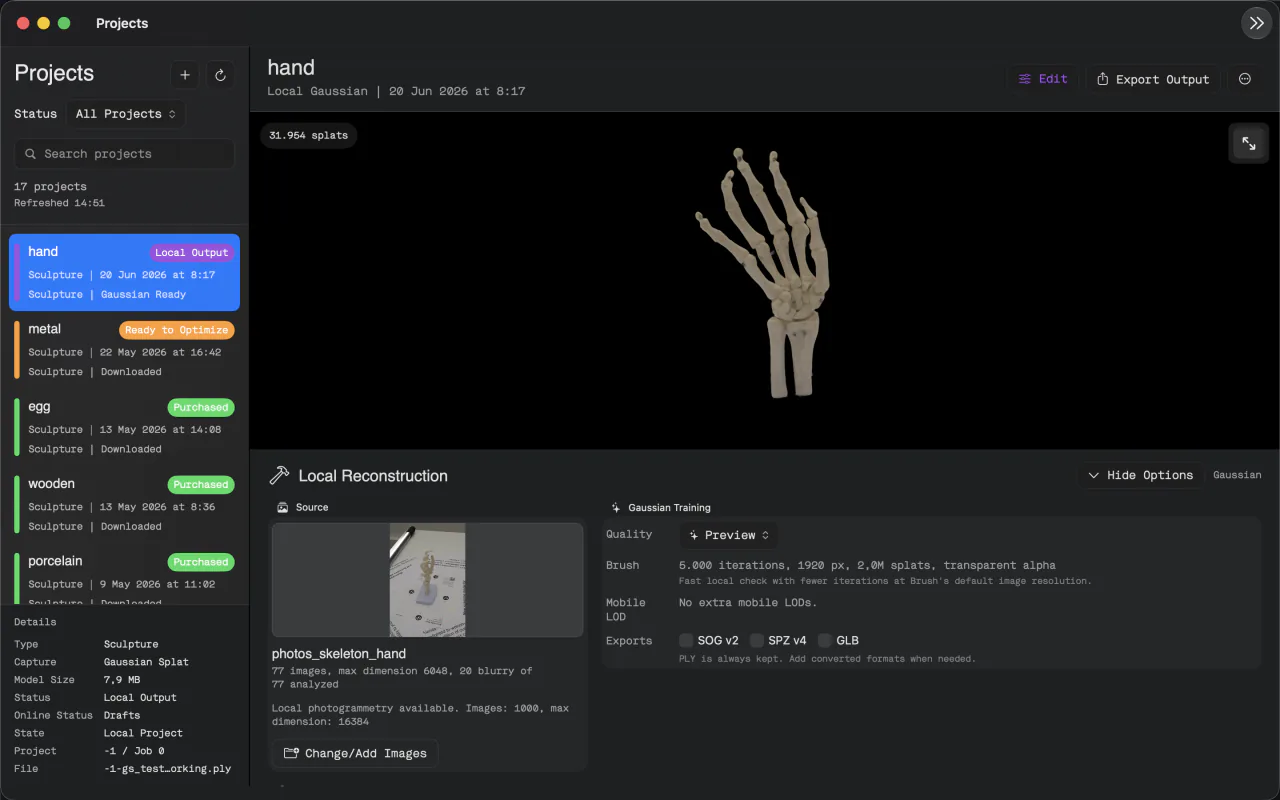
Plinth for Mac
Crop bounds and alignment, color adjustments, material presets, texture patch repair, denoise split preview and local Gaussian training. Export locally or send to cloud optimization.
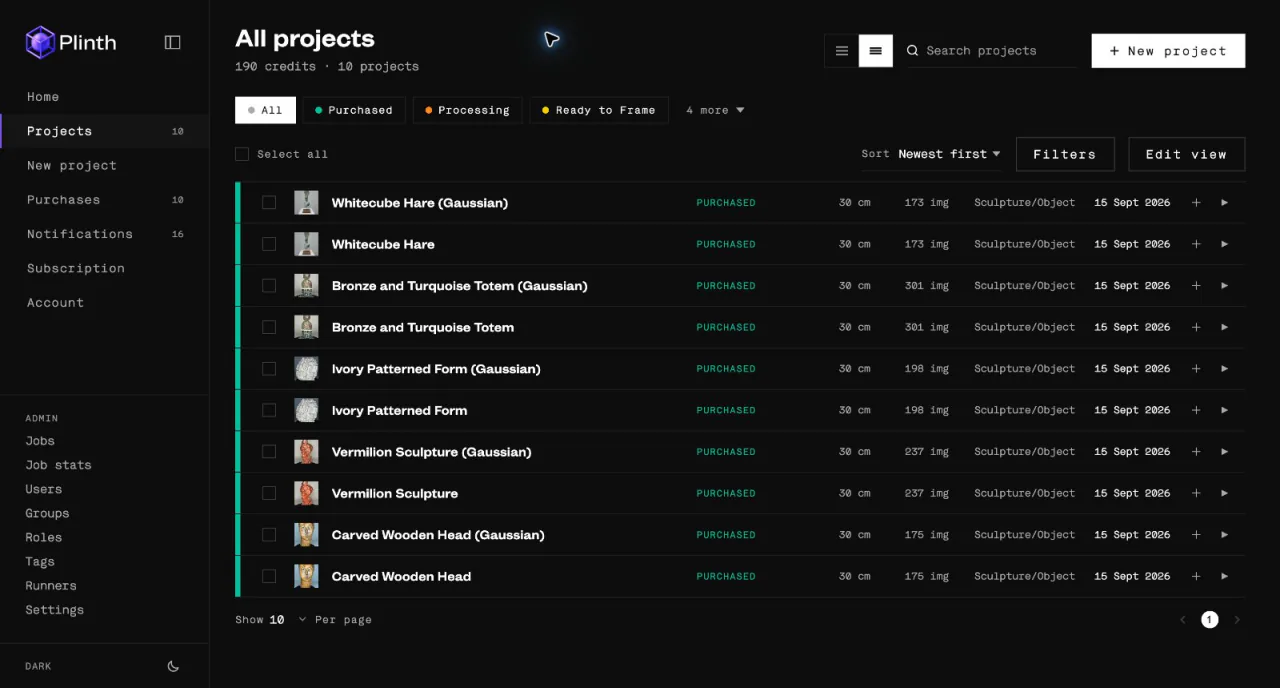
Plinth Web
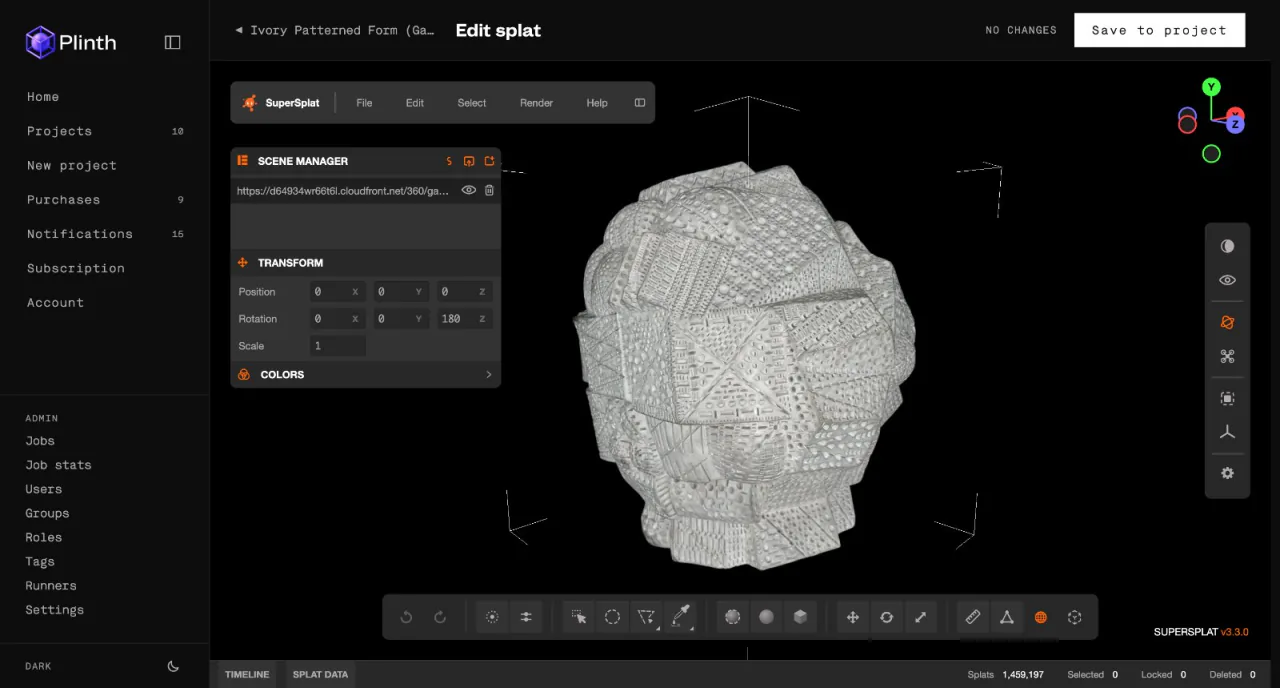
Track every project from upload to Purchased, inspect meshes with museum or studio lighting, clean Gaussian splats in the built-in editor, then download or share a web link. Works on desktop and phone, in light and dark mode.
Open Plinth Web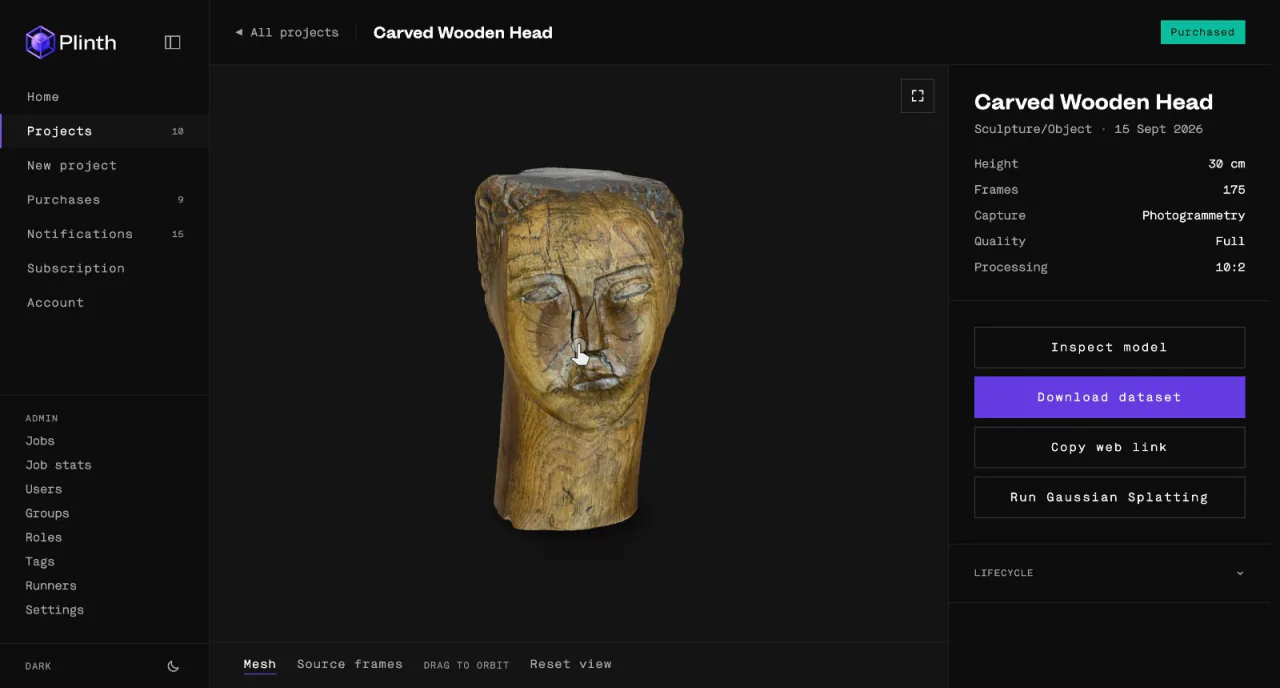
Portfolio
Photogrammetry
Captured on iPhone, reconstructed as a textured mesh with iOS AR support. Museum-day lighting.
 Photogrammetry
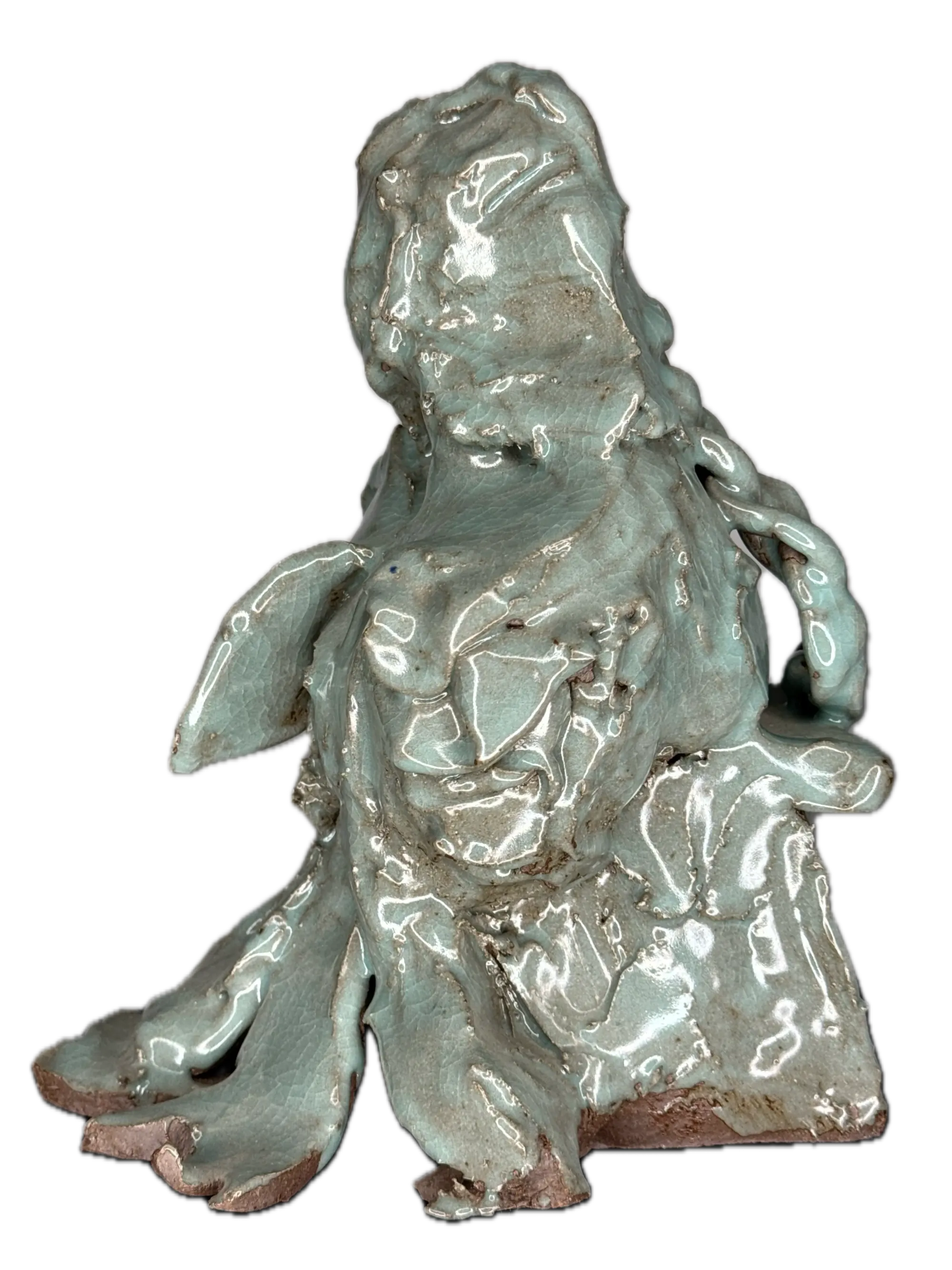
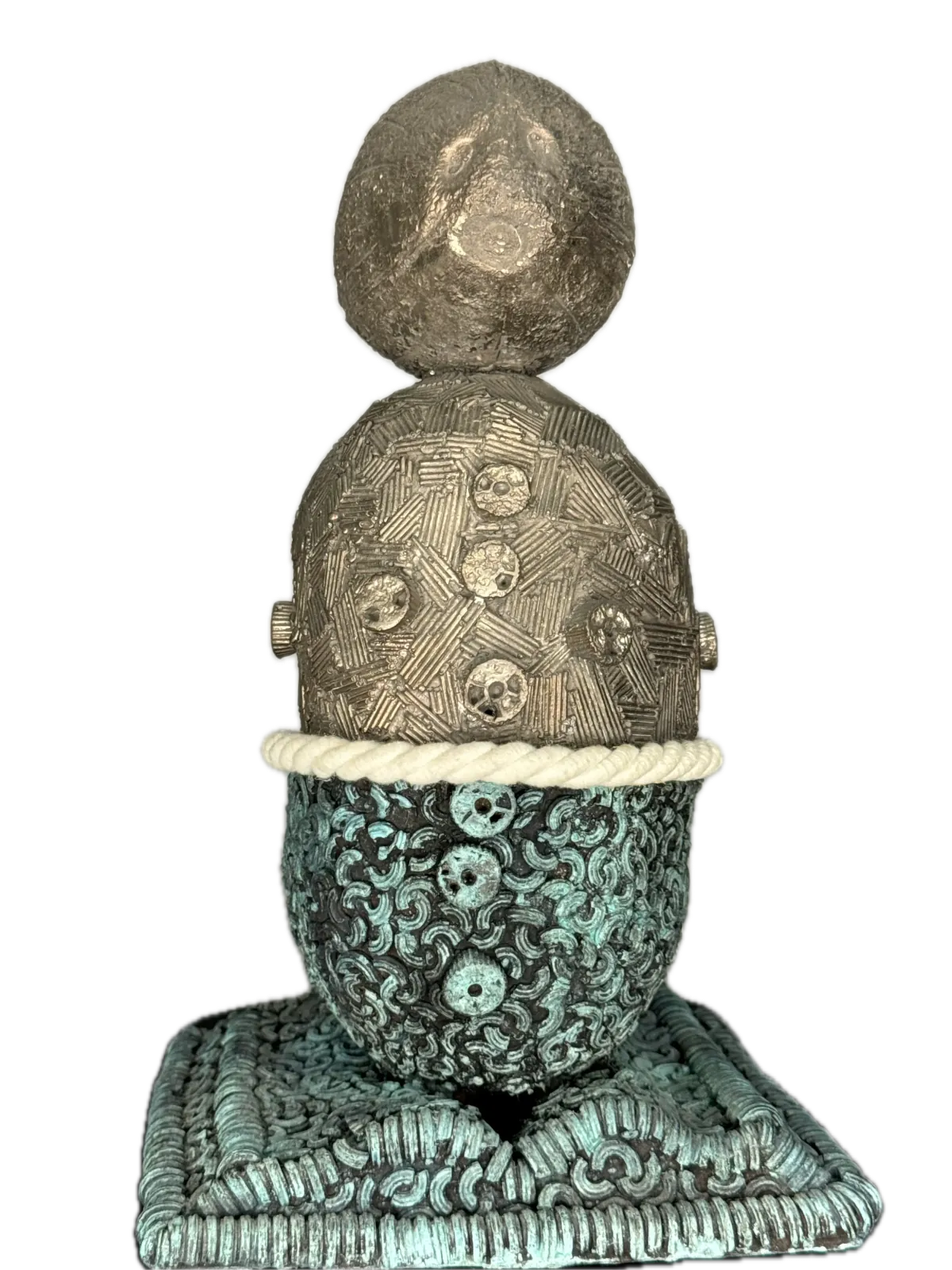
Fine surface pattern and gloss preserved for close inspection.
Radiance-field capture for view-dependent grain and sheen.
Client work
 Photogrammetry
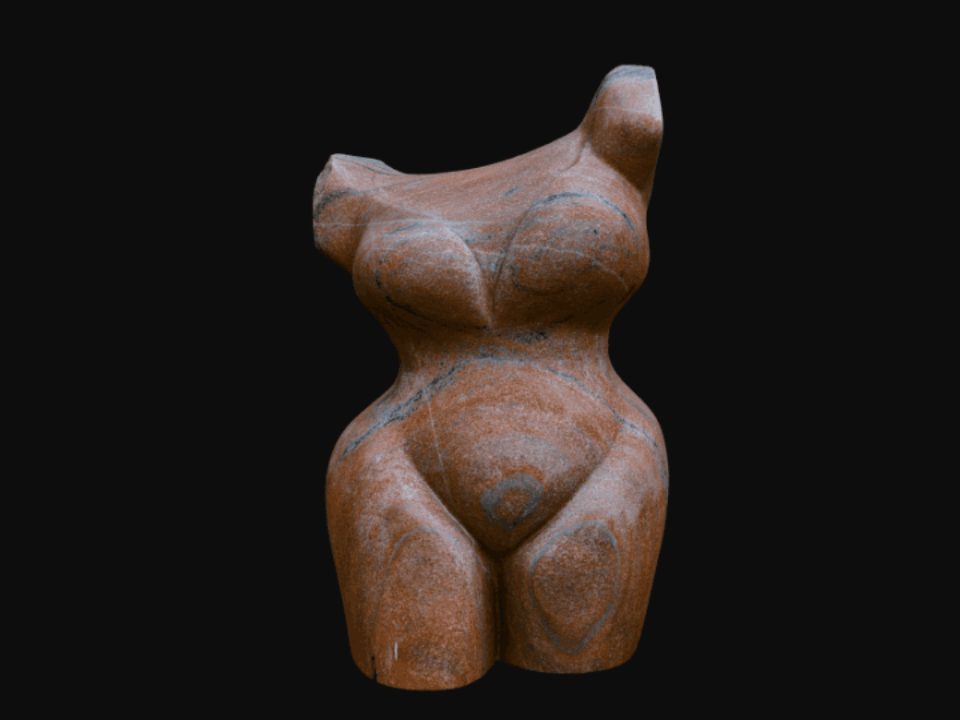
Veined red marble with soft subsurface tone and crisp carved edges.
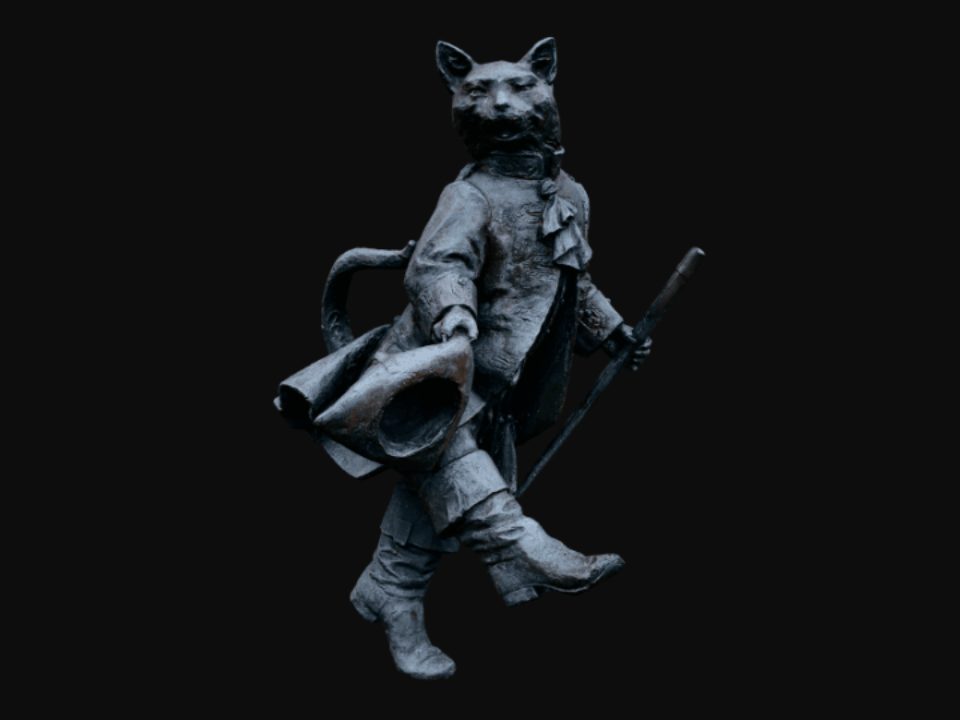 Photogrammetry
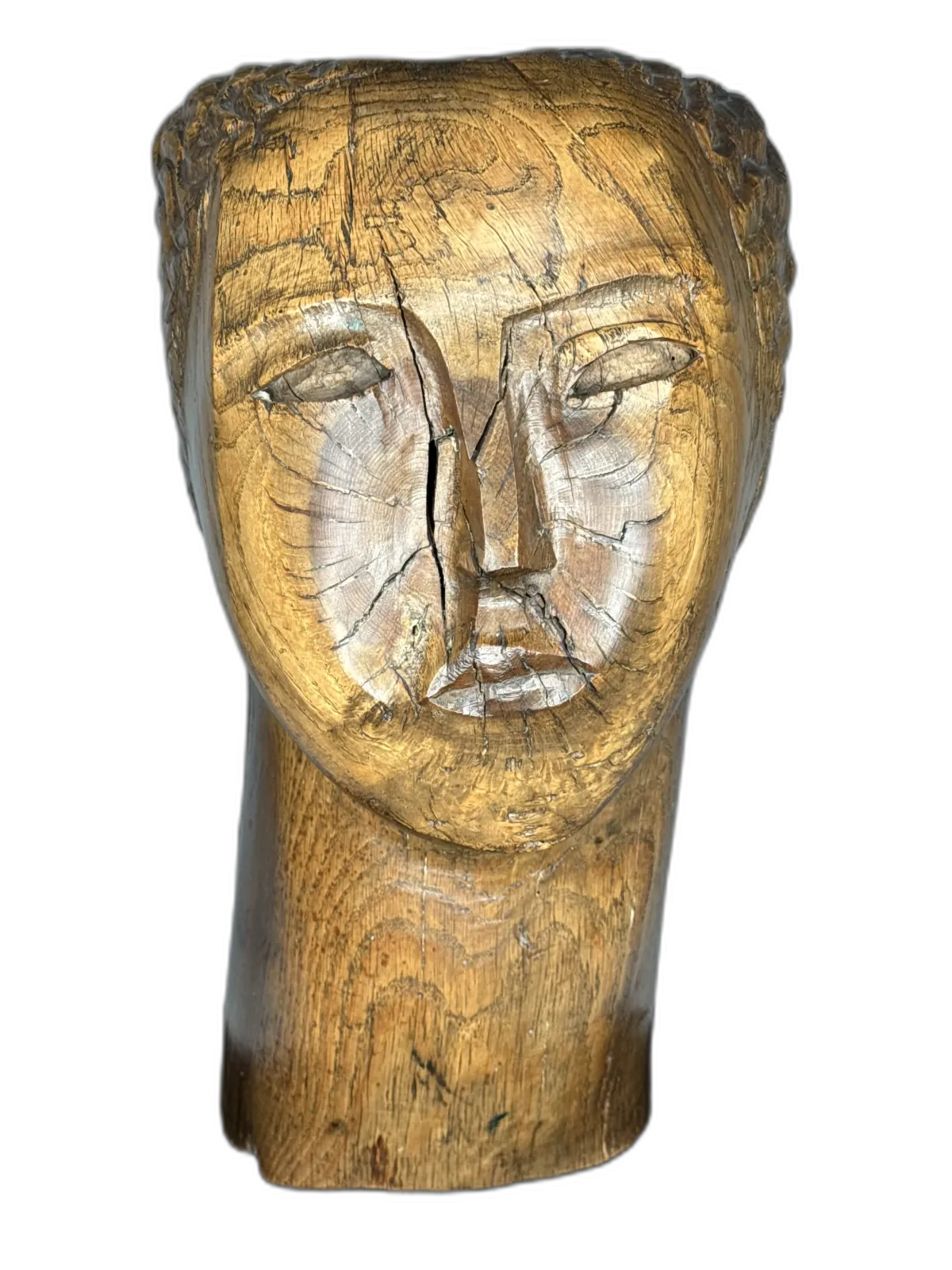
Captured on iPhone, reconstructed as a full textured mesh.
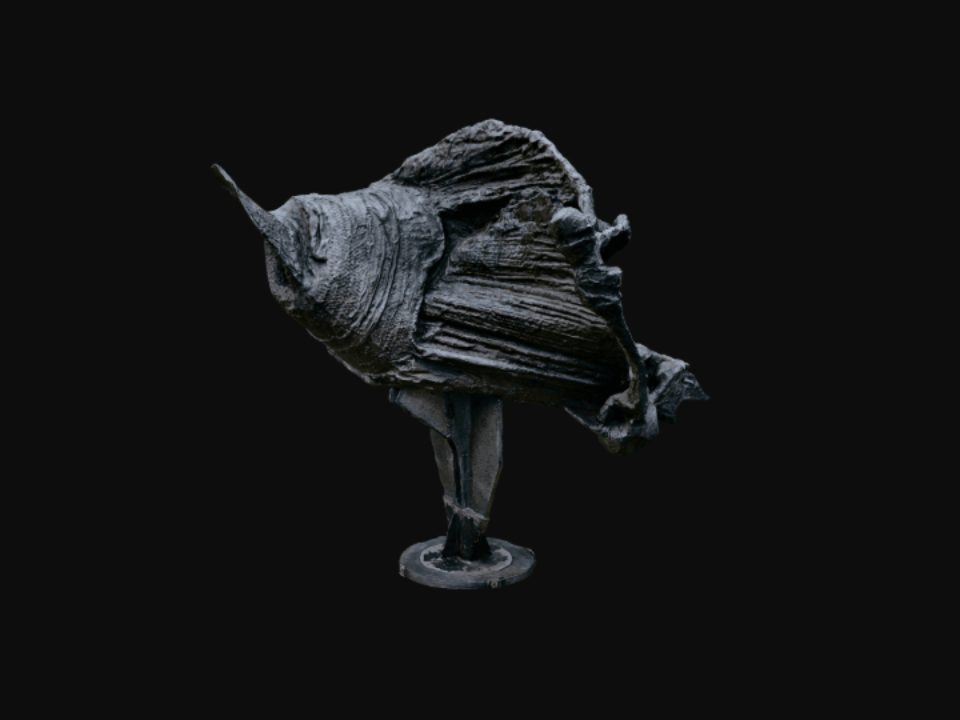 Photogrammetry
Fine ridges and iridescent surface preserved for close inspection.
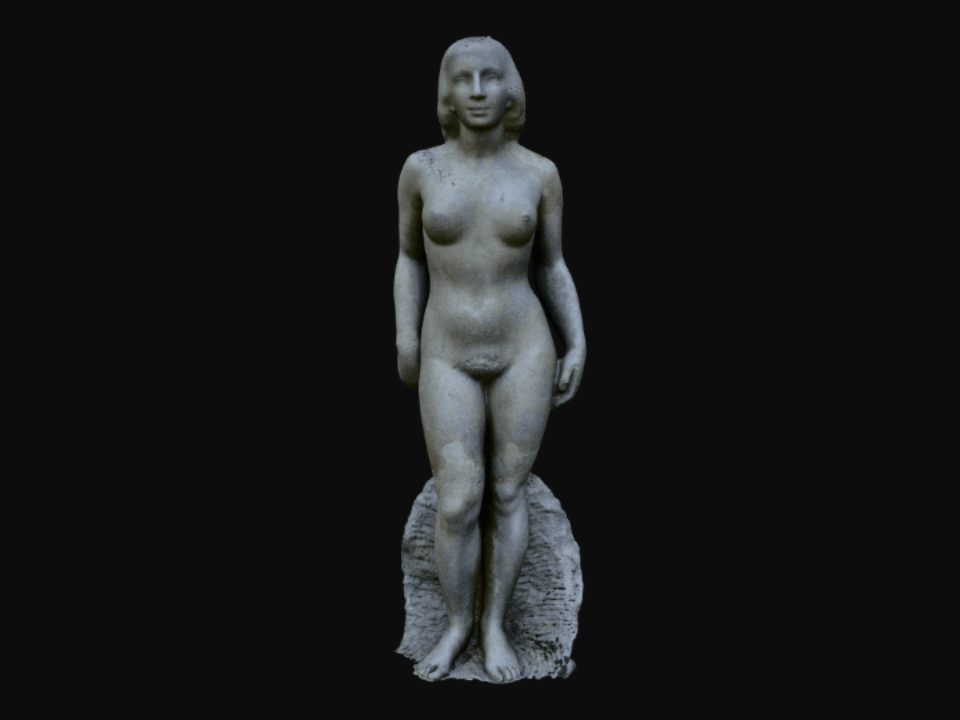 Photogrammetry
Full-figure capture with base, weathered surface preserved for archival documentation.
Volumetric 3D files for websites, apps, augmented and virtual reality.
Full-resolution textures from 48 MP capture, with cloud processing typically ready in 15 minutes.
An iPhone is all you need. No turntable, no scanner, no studio.

Our Mission
Without compromising on the integrity of the original artwork, Plinth enables artists, galleries, museums, institutions and art professionals to present premium digital versions of sculptures, paintings and objects to peers, colleagues, clients and a wider audience, anywhere in the World.
Plinth is committed to reducing carbon emissions by offering alternative digital viewing solutions within the Arts and Culture Sector.
Bespoke Service
For larger collections or difficult objects we capture on site, process by hand and deliver in the formats your team needs: for a collector viewing works without visiting storage, a museum bringing its collection into VR, a university building teaching material, or a gallery using models as a sales tool.

Pricing
One credit unlocks one model after you have previewed it. Choose how many you need each month; your balance resets to the plan allowance at each renewal. Your first credit is free.
Photogrammetry meshes for artists, galleries and collectors.
Includes
Everything in Standard, plus Gaussian splatting and full control over capture and output.
Includes
Every model is previewed in 3D before you spend a credit. Every new account also includes one free Standard credit, so your first model is free.
Subscribers who run out can add 10 extra credits for $25 without changing plan. Top-up credits expire at your next renewal, so use them before the month ends.
Standard and preview quality use 1 credit, high quality 2, ultra 3. Mesh processing is always 1 credit.
Prices shown are from the US App Store. Local pricing is set by the App Store in your region and shown before you subscribe. Subscriptions renew monthly and can be cancelled at any time.
Plinth is an iPhone app that produces true volumetric 3D assets (‘digital twin’) for your physical artworks. It is user friendly and tailored for the art and cultural sector.
No equipment beyond an iPhone, no specialist skills. Capture guidance is built in, processing runs in the cloud or directly on the device, and paintings come out as closed, museum-ready models rather than flat images. You get open formats you can use anywhere.
Plinth is a monthly subscription paid in credits; one credit processes one model. Standard plans start at $3.99 a month and Professional plans at $6.99, each available with 1, 5, 10 or 30 credits. Every new account includes one free credit. See Pricing above for the full breakdown.
Most artworks are suitable for Plinth. However, textures that are very smooth, very shiny, transparent, or have reflective elements might not reproduce accurately through the automated service on the app. Contact us for alternative solutions.
An iPhone 12 or newer running the current iOS. iPhone Pro models add 48 MP and ProRAW capture for the highest detail. Plinth for Mac and Plinth Web let you review, edit and export on the desktop, but capture happens on iPhone. There is no Android or iPad capture app at present.
Just follow the easy step-by-step tutorial guide inside of our app.
There are numerous uses including but not limited to:
Yes. Every model is processed first and shown as a preview, so you can inspect it in 3D before deciding to spend a credit on it. Every new account also includes one free Standard credit, so your first model costs nothing. The iOS app, the Mac app and Plinth Web all work with the same account; the Mac app can also process locally, which helps when connectivity is poor.
Each processed model gives you:
The preview lets you inspect the processed model in 3D inside the app or Plinth Web before you spend a credit. Purchasing unlocks the downloadable USDZ and GLB files and the shareable web link. The free signup credit is a Standard credit, so Professional features such as Gaussian splatting and ProRAW capture need a Professional plan.
No. At each monthly renewal your balance resets to the plan allowance, and any remaining credits, including top-ups, expire. If you upgrade to a larger plan, unused credits are carried forward alongside the new allowance.
Your photos and models are private to your account unless you share a link. They are processed and stored on our servers so you can reach them from iPhone, Mac and Plinth Web; models processed locally on Mac or iPhone stay on the device unless you upload them. You can delete a project at any time. Details are in our Data Policy. Data Policy →
Every model has a unique link that is only reachable by people you send it to. You can also download the file and host it yourself.
The purchased 3D assets are yours. You can do whatever you want with them, provided you hold the copyright of the physical art piece.
Yes. Even though we specialize in fine arts, other products/objects are welcome.
Email hello@plinth.it or message us on WhatsApp. We reply within 24 hours.
Preview every model in 3D before you spend a credit. Your first Standard credit is free.